Have a question?
Message sent Close

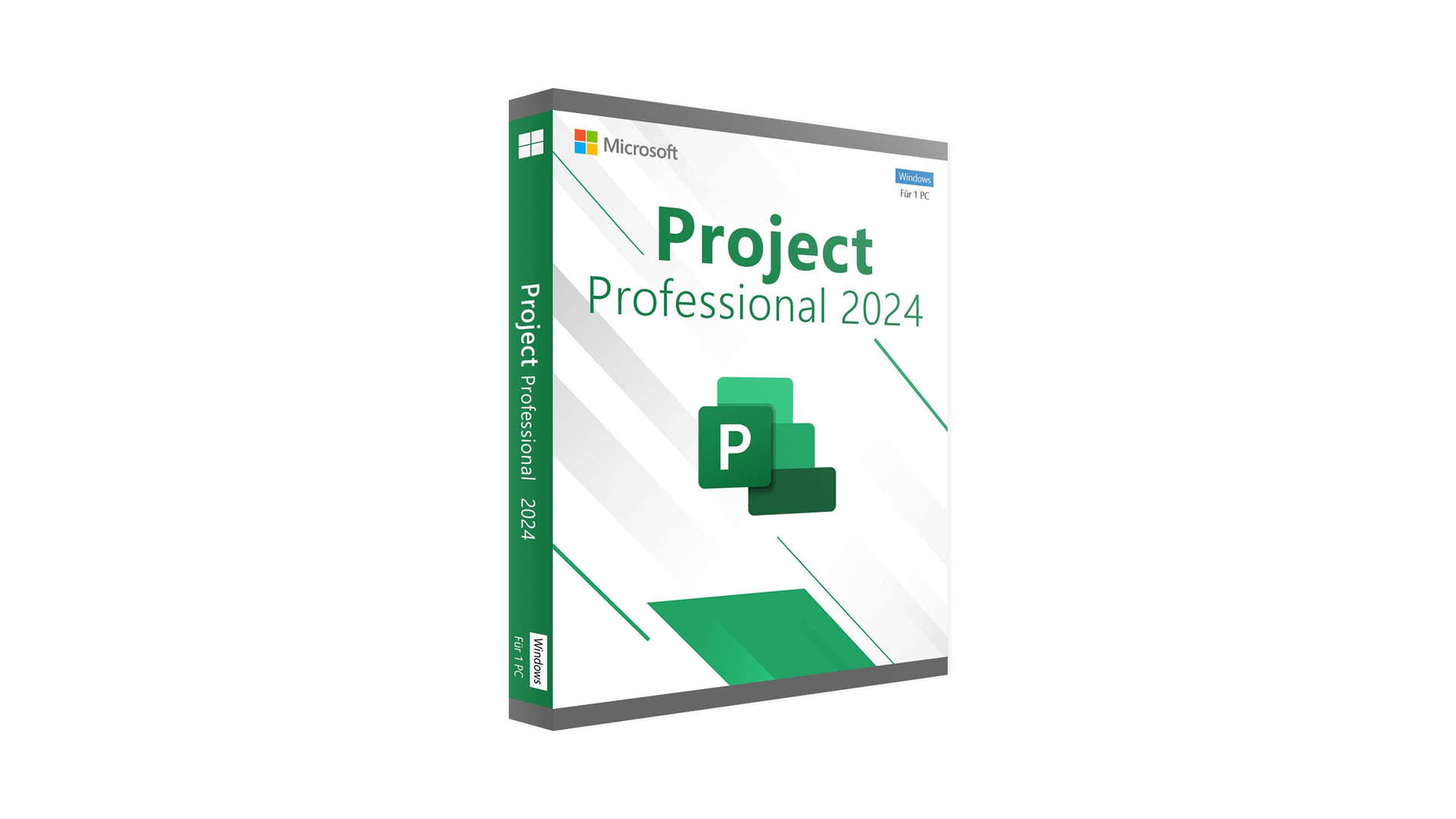
Microsoft Project Professional

With no prior experience, you will have the opportunity to walk through hands-on examples with Hadoop and Spark frameworks, two ... Show more
Instructor
adminicmt
34 Students enrolled
4
6 reviews
  • Description
  • Curriculum
  • FAQ
  • Notice
  • Reviews

Introduction to Project Management Terminology

  • Project
  • Project Management
  • Project Management Cycle ( Major Phases of Project Management )
  • PERT / CPM
  • Gantt Chart

Practical Work on MS Project-2016

01- Familiarization with MS Project-2016

  • How to use Menu
  • How to Show or Hide Tool Bar
  • How to use Tool Bar Buttons
  • How to use Shortcut Menu by using Right Click of Mouse Button
  • How to use Shortcut Keys

02- Project Planning

  • Creation of New Project File
  • Entering of New Project Information
  • Setting of Project Calendar
  • Setting of Currency
  • Setting of Weekly Work Time
  • Creation of Project Tasks List
  • Creation of Sub-Tasks
  • Creation of Summary Tasks
  • Creation of Task Notes
  • Editing and Moving of Tasks
  • Entering of Estimated Required Duration for Completion of each task

03- Project Scheduling

  • Introduction to Types of Links
    • FS-( Finish to Start ) Link
    • SF-( Start to Finish ) Link
    • FF-( Finish to Finish ) Link
  • Linking of Project Tasks According to their relationship
  • Entering of Lag and Lead Time

04- Project Cost Estimation

  • Creation of Resource List
  • Entering of Resource Availability
  • Assignment of Resources on Project Tasks
  • Grouping of Resources
  • Assignment of Work Resources on Project Tasks
  • Assignment of Materials Resources on Project Tasks
  • Assignment of Total Estimated or Fixed Cost on Project Tasks

05- Project Approval and Baseline / Target Setup

  • Project Presentation Setup
  • Project Presentation
  • Baseline / Target Setup

06- View of Project Budget and Baseline Reports

  • View of Project Summary Report
  • View of Slack time Report
  • View of Project Schedule Report
  • View of Tasks Based Cost Baseline Report
  • View of Resource Based Cost Baseline Report
  • View of Tasks Based Resource Quantity Baseline Report
  • View of Resource Based Resource Quantity Baseline Report
  • View of Project Budget Report

07- Project Formation Setup

  • Formation of Timescale
  • Formation of Gridlines
  • Formation of Gantt Chart Wizard
  • Formation of Text Style
  • Formation of Bar Style

10- Recording of Project Progress

  • Activity Completed in time without any Variance
  • Activity Completed before time with favourable Time Schedule Variance
  • Activity Completed Late time with unfavourable Time Schedule Variance
  • Activity Completed in time with Resource Quantity & Cost Variance
  • Activity Completed before time with Schedule and Resource Quantity Variance
  • Activity Completed before time with Schedule, Resource Cost Variance
  • Creation of Sub-Tasks
  • Activity Completion-Late than Planned Schedule. (unfavorable Schedule, Resource Quantity and Cost Variance)

11- Monitoring of Project Progress

  • Project Schedule Reports
    • View of Actual Project Schedule Task wise ( Duration ) Report before setting of Project
    • View of Baseline and Actual Schedule Variance Report
  • Project Resources Actual Quantities Reports
    • View of Actual Resource Quantity Applied on Project Tasks
    • View of Resource Quantity Variances Report
  • Project Resources Actual Cost Reports
    • View of Actual Resource Cost Applied on Project Tasks
    • View of Resource Cost Variances Report

12- Control Application During Project in Operation

  • Printing of Project Reports
  • MS Project Reports Printing Procedure Practical Work

Special 10 Points for Project Planning and Control

  • Project Planning
  • Project Scheduling
  • Project Cost Estimation
  • Project Approval-Baseline Setup
  • Project Execution-Kick off Meeting
  • Collection of Project Progress
  • Recording of Project Progress
  • Monitoring for Deviations
  • Control Applications on Deviations
  • Project Closing and Review

Type of Projects used for Practical Work

  • Construction of Highways, Bridges and Buildings Projects
  • Engineering, Power Plants and Telecom Projects
  • Plant Shutdown Maintenance Management Projects
  • Any Type of other Projects which needs Time and Cost Control
FAQ 1
Faq Content 1
FAQ 2
Faq Content 2

Productivity Hacks to Get More Done in 2018

— 28 February 2017

  1. Facebook News Feed Eradicator (free chrome extension) Stay focused by removing your Facebook newsfeed and replacing it with an inspirational quote. Disable the tool anytime you want to see what friends are up to!
  2. Hide My Inbox (free chrome extension for Gmail) Stay focused by hiding your inbox. Click "show your inbox" at a scheduled time and batch processs everything one go.
  3. Habitica (free mobile + web app) Gamify your to do list. Treat your life like a game and earn gold goins for getting stuff done!


4.0
6 reviews
Stars 5
3
Stars 4
0
Stars 3
3
Stars 2
0
Stars 1
0