Have a question?
Message sent Close

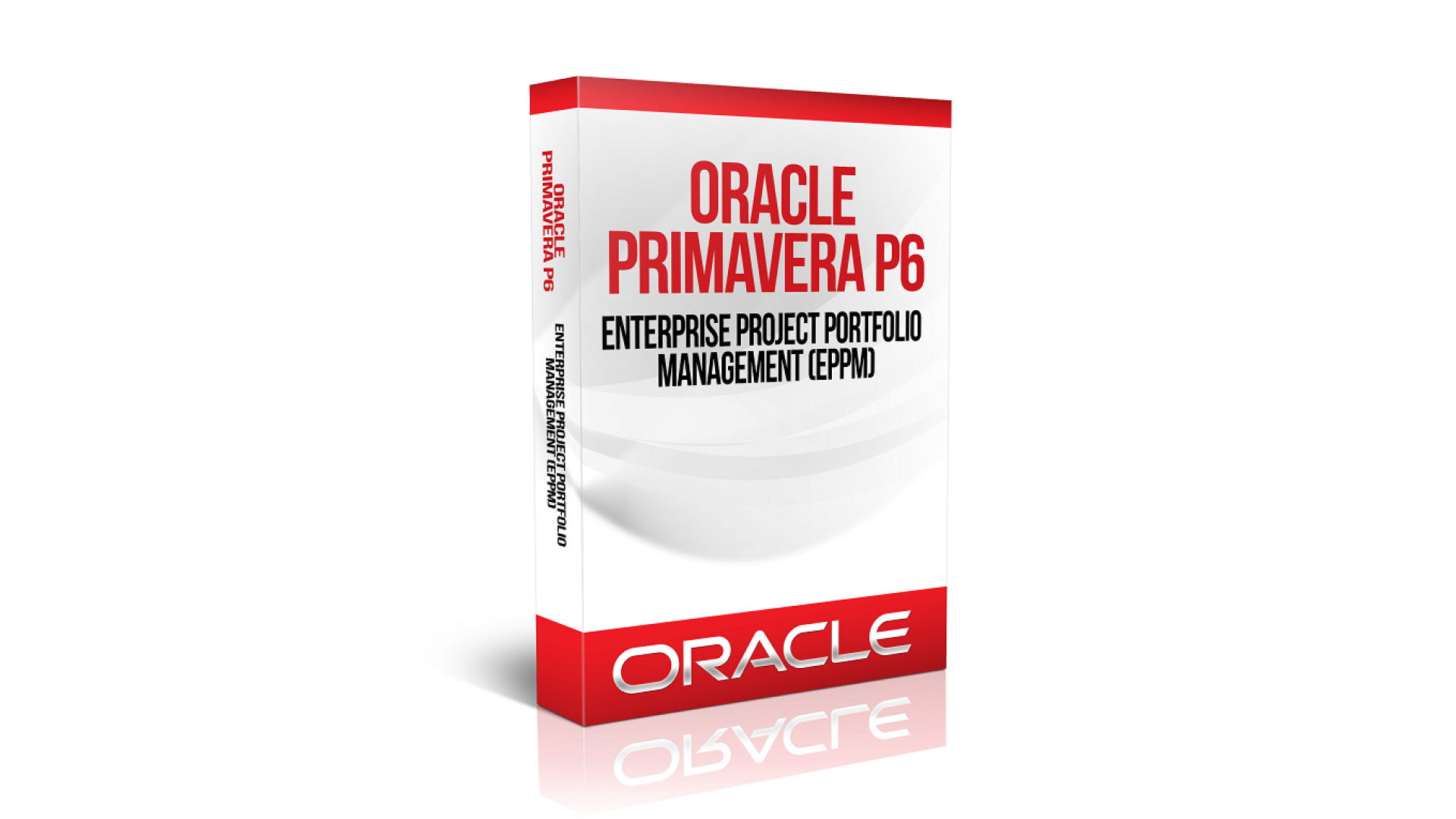
Oracle Primavera P6 Professional

With no prior experience, you will have the opportunity to walk through hands-on examples with Hadoop and Spark frameworks, two ... Show more
Instructor
adminicmt
34 Students enrolled
4
6 reviews
  • Description
  • Curriculum
  • FAQ
  • Notice
  • Reviews

Master project planning with the Oracle Primavera P6 Professional Course, the ideal training program for professionals seeking advanced project management expertise. This industry-focused course teaches essential skills in project scheduling, resource allocation, cost control, risk management, baseline creation, and progress tracking using Oracle Primavera P6 software. Designed for engineers, planners, project managers, and construction professionals, the course provides practical knowledge through real-world applications and hands-on training. Learn how to create effective project schedules, monitor performance, and improve project delivery efficiency. Enroll in the Oracle Primavera P6 Professional Course to boost your career, gain recognized expertise, and become a certified project planning specialist.

System Configuration:

  • Selection of Industry
  • Defining of EPS (Enterprise Project Structure)
  • Defining of OBS (Organization Breakdown Structure)
  • Defining of Calendars (Global-Resource-Project)
  • Defining of Currency & Activation of Currency
  • Defining of Units of Measure
  • Defining of Expense Category
  • Setting of Time units (Units Format-Duration Format)
  • Creation of New Project File

Project Planning:

  • Defining of WBS Codes (Work Breakdown Structure)
  • Defining of Project Activities
  • Entering of Required Estimated Duration for Completion of each Activity
  • Assignment of milestones
  • Assignment of Constraint

Project Scheduling:

  • Linking of Project Activities according to their relationship (through different procedure) Relationship Types
    • Start to Start
    • Start to Finish
    • Finish to Start
    • Finish to Finish
  • Schedule Execution (F9 Function Key)
  • Modification and Deletion of Relationships
  • Analysis of Gantt Chart & Activity Network (PERT)
  • Understanding of Forward Pass and Backward Pass
  • Analysis of Critical & Non Critical Path
  • Analysis of Total Float, Free Float and Project Float

Cost Estimation (Budgeting):

  • Defining of Roles
  • Introduction to Enterprise Resource window
  • Defining of Resources with Rates
    • Manpower
    • Material
    • Machinery
  • Assign Resources to Project Activities
  • Assign Expenses to Project Activities
  • Cost Accounts
    • Defining of Cost Accounts
    • Assignment of Cost Accounts

Activity Codes:

  • Introduction to Activity Codes
  • Defining of activity codes
  • Assignment of Activity codes
  • Activation of Activity Codes

Filters:

  • Introduction to Filters
  • Defining of Filters by
    • Date wise
    • WBS wise
    • Activity Codes wise

Global Change:

  • Introduction to Global Change
  • How to Define Global Change
    • Defining of Global Change by Increase Cost
    • Defining of Global Change by Decrease Cost
    • Defining of Global Change by Increase Duration
    • Defining of Global Change by Decrease Duration
    • Defining of Global Change by Resource Replacement

Formatting:

  • Defining of new layout for baseline Project
  • Defining of new columns for activities and resources
  • Defining of new bar
  • Table Font and Row
  • How to show bar chart legend
  • Timescale

Project Schedule & Budget Approval:

  • Project statistical Data Presentation for Project Schedule & Budget Approval
  • Modification in Project Schedule and Budget according to Management Instructions

Baseline Setting:

  • Introduction to Baseline
  • Maintain Baseline after Project Schedule and Budget Approval
  • Assign Baseline to Project (Primary Baseline & Secondary Baseline)
  • Restore Baseline

Project Execution and Recording of Progress:

  • Project Progress Reports Routing Step
  • Update Activity without any delay
  • Update Activity with delay
  • Update Activity Physical
  • Update Resources without any variance
  • Update Resources with variance
  • Update Expense without variance
  • Update Expense with variance
  • Rescheduling Project Schedule

Primavera P6 Final Check List:

  • Gantt Chart
  • Bar Chart
  • Enterprise Project Structure (EPS)
  • Organizational Breakdown Structure (OBS)
  • Activity Network (PERT) Program Evaluation & Review Techniques
  • Critical Path Method (CPM) Critical & Non Critical Activities Analysis
  • Forward & Backward Pass Analysis
  • Total Float, Free Float & Project Float Analysis
  • Activity Codes
  • Filters
  • Global Change
  • Resource Curve (S-Curve)
  • Resource Histogram
  • Cash flow
  • Formatting
  • Baseline
  • Import & Export
  • Planned & Actual Comparison (Schedule & Cost)
  • Resource Leveling
  • Reports Analysis
  • Man-hours Loading Reports
  • Cost Analysis
  • Man-hours (Histogram & S-Curve)
  • Quantity (Histogram & S-Curve)
  • Cost (Histogram & S-Curve)
  • Earned Value Management (EVM) BCWS-BCWP-ACWP CV-SV-CPI-SPI
FAQ 1
Faq Content 1
FAQ 2
Faq Content 2

Productivity Hacks to Get More Done in 2018

— 28 February 2017

  1. Facebook News Feed Eradicator (free chrome extension) Stay focused by removing your Facebook newsfeed and replacing it with an inspirational quote. Disable the tool anytime you want to see what friends are up to!
  2. Hide My Inbox (free chrome extension for Gmail) Stay focused by hiding your inbox. Click "show your inbox" at a scheduled time and batch processs everything one go.
  3. Habitica (free mobile + web app) Gamify your to do list. Treat your life like a game and earn gold goins for getting stuff done!


4.0
6 reviews
Stars 5
3
Stars 4
0
Stars 3
3
Stars 2
0
Stars 1
0